

Descrição
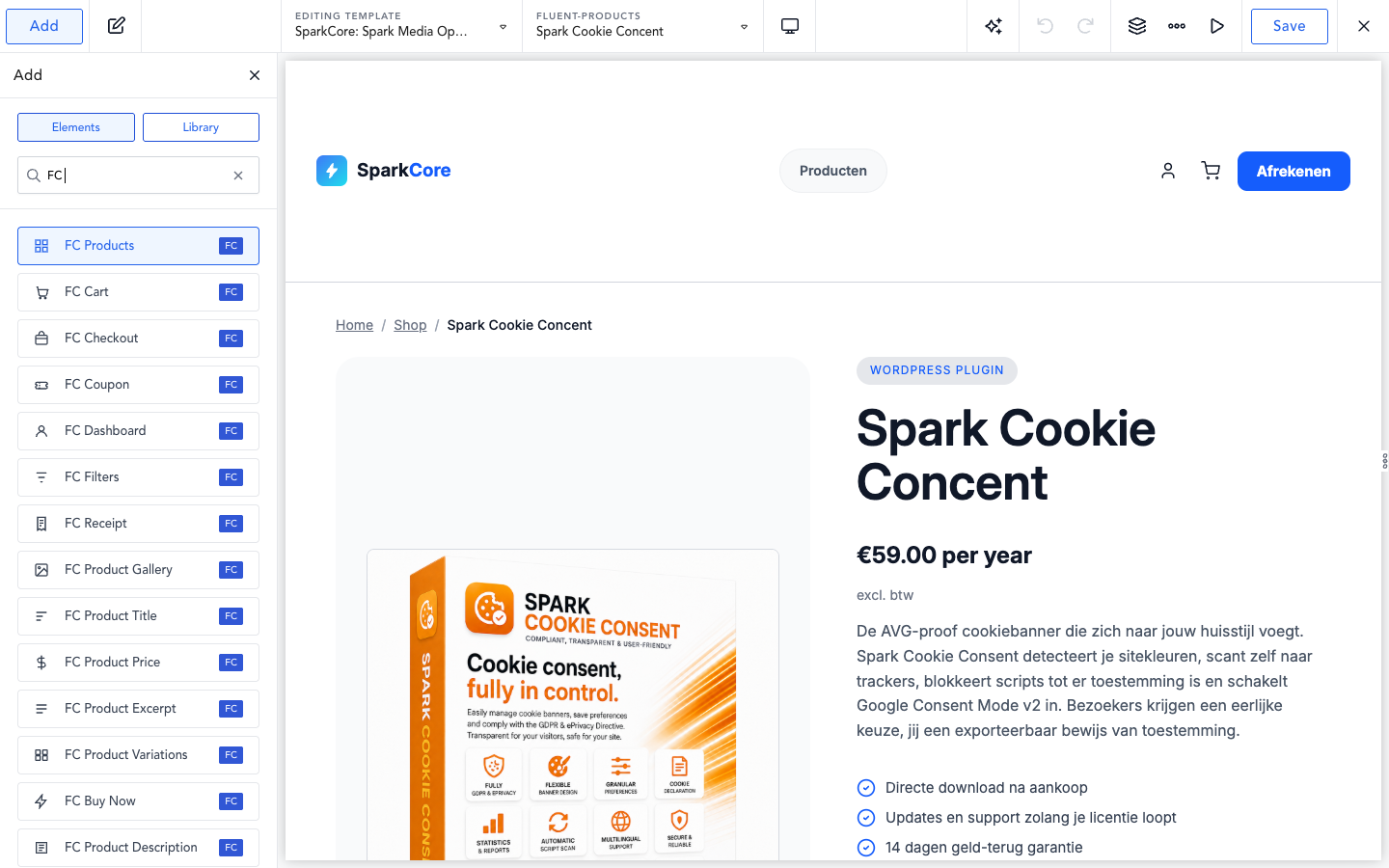
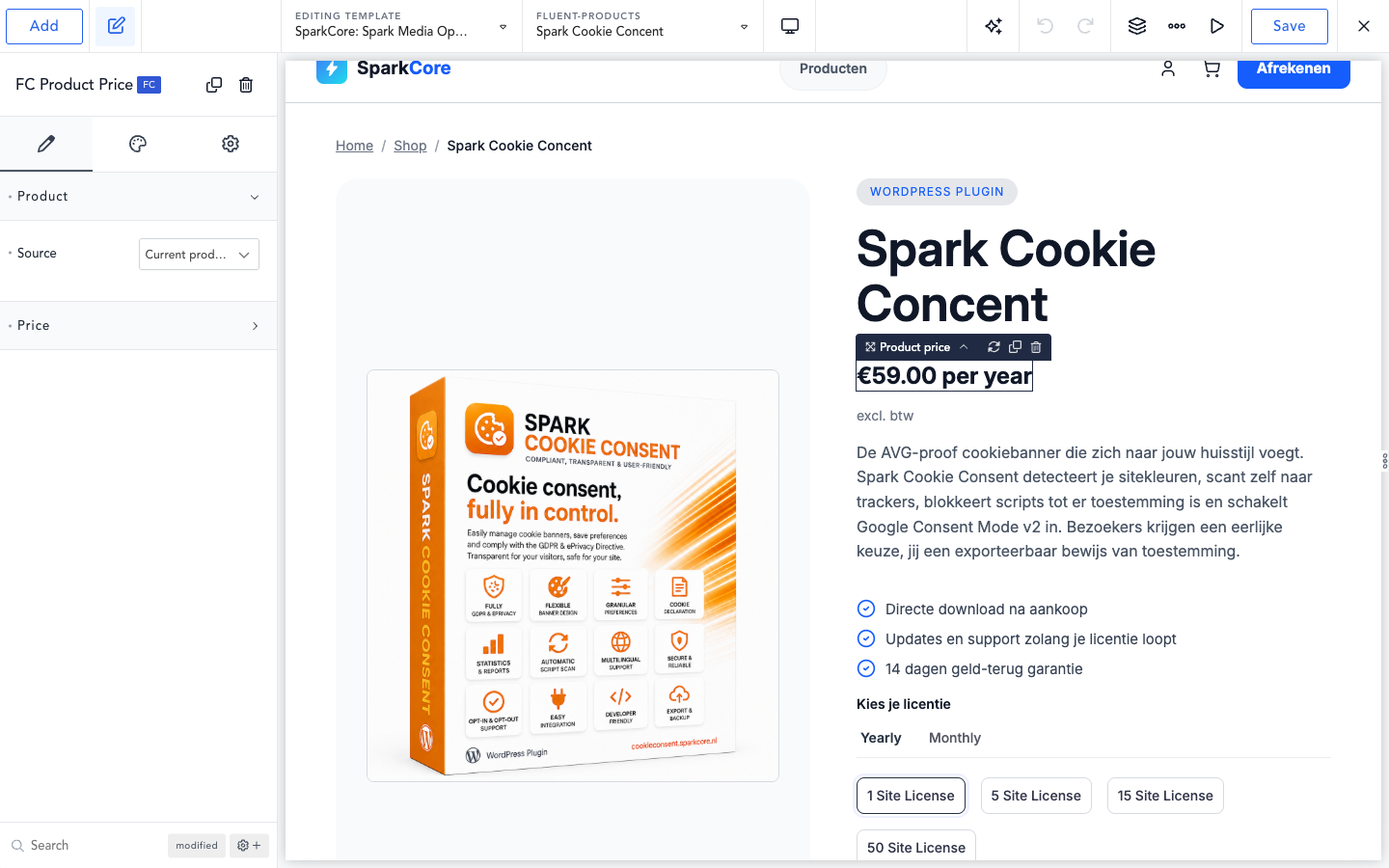
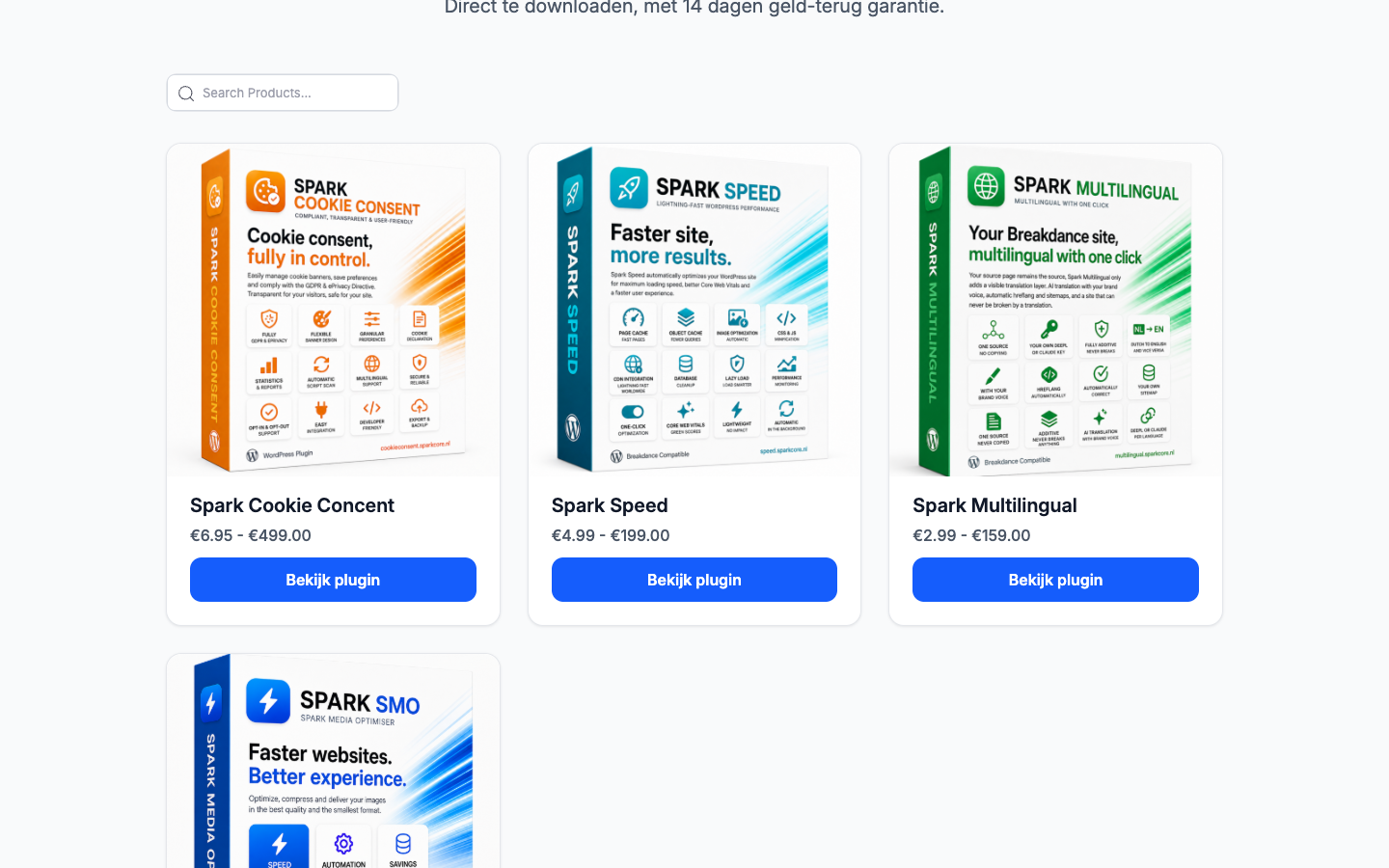
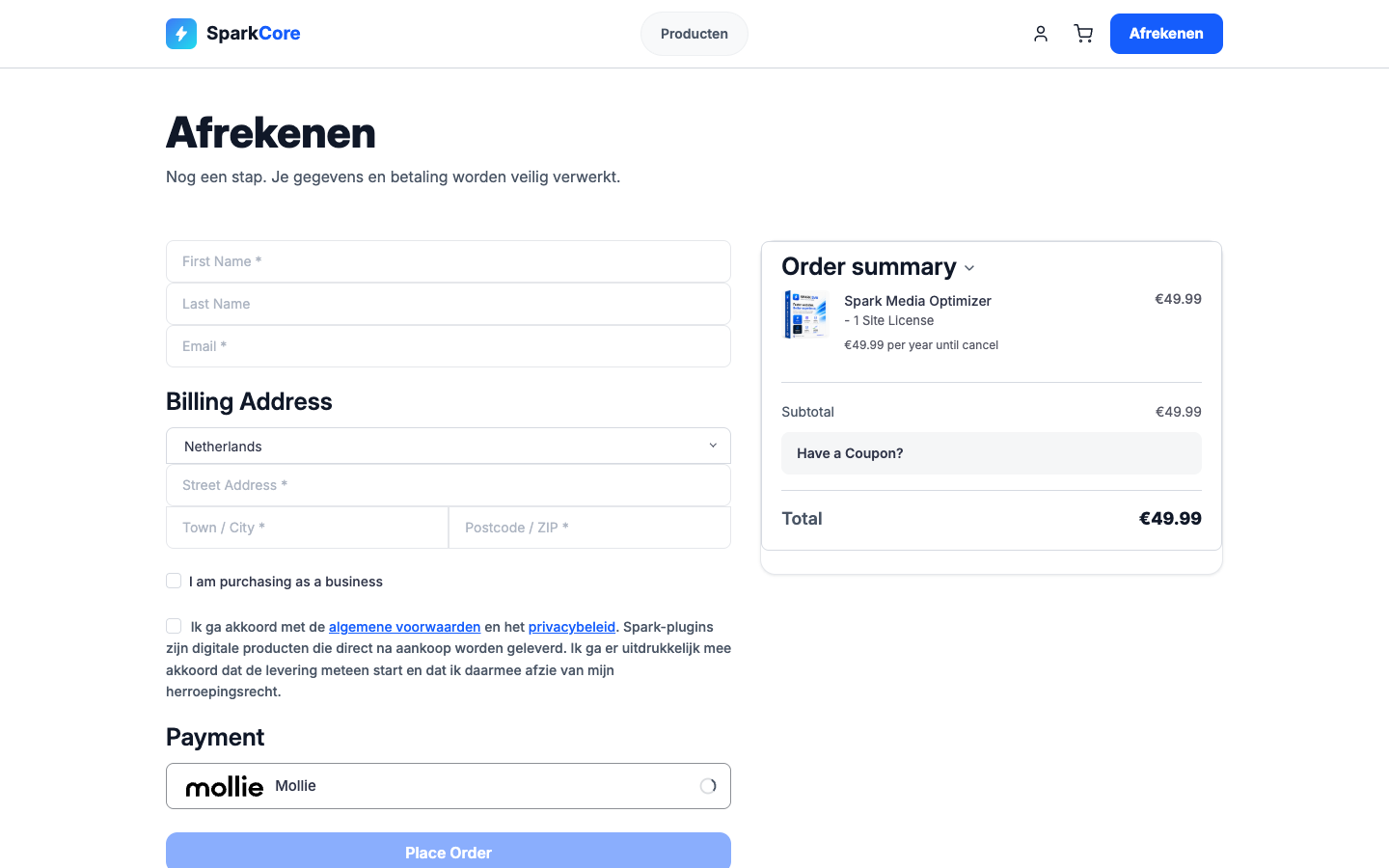
Adds a FluentCart category to the Breakdance element library with native product parts, product actions, cards, collections, full product output, mini cart, cart, checkout, customer account, and receipt views.
Required third-party plugins
This plugin is an integration layer and does nothing on its own. It requires both of the following, which are developed by other companies and are not affiliated with or endorsed by this plugin:
- FluentCart, by WPManageNinja, available in this plugin directory.
- Breakdance, by Soflyy, a commercial page builder sold at breakdance.com. It is not distributed through this plugin directory and must be purchased and installed separately.
FluentCart and Breakdance are trademarks of their respective owners. This plugin is an independent integration and is not affiliated with, endorsed by, or sponsored by either company.
Commerce behavior remains native to FluentCart: this plugin never reproduces payment, checkout, cart, stock, or subscription logic in its own code. Every element renders through FluentCart’s own shortcodes and renderer classes, so add-to-cart, checkout, and account behavior work exactly as they do on a page built with FluentCart’s own blocks or shortcodes.
The integration is source-validated against the exact versions installed on the reference site used to audit and build it, most recently FluentCart 1.5.5 and Breakdance 2.8.1. Every FluentCart internal (shortcode, renderer method, model field, dataset key, JS event) this plugin depends on is recorded, with file and line evidence, in a central contract registry with runtime version checks, so a future FluentCart update that changes one of those internals fails visibly and safely rather than silently.
Editor placeholders distinguish four states so page builders always know what they are looking at: an element that resolves and renders correctly live but is only hidden from the builder preview, an element with no product chosen yet, a chosen product or variation that no longer exists, and an actual contract break (missing shortcode or a render exception).
Capturas de tela


Instalação
- Install and activate FluentCart and Breakdance.
- Upload and activate SparkCore Commerce.
- Open a Breakdance document and use the FluentCart category.
Perguntas frequentes
-
Which pages should I exclude from full-page caching?
-
FluentCart elements that render customer state (Cart, Checkout, Account, Receipt) must never be served from a full-page cache: doing so risks showing one visitor’s cart contents, account details, or order receipt to a different visitor. This plugin already defines
DONOTCACHEPAGEand sendsnocache_headers()on any page that renders one of these views, which most cache plugins respect automatically. As a second line of defense, still add your site’s cart, checkout, account, and receipt/thank-you page URLs to your cache plugin’s exclusion list:- FlyingPress: Settings > Cache > Excluded URLs, add the cart/checkout/account/receipt page paths (or the FluentCart page-setting slugs if customized).
- LiteSpeed Cache: Cache > Excludes > Do Not Cache URIs, add the same paths.
- Any other full-page cache plugin: look for a URL-exclusion or “do not cache” list and add the same paths.
-
Do I need to exclude the mini cart too?
-
No. A page whose only FluentCart element is the Mini Cart stays fully cacheable. The mini cart is not one of this plugin’s route-no-cache contexts (only Cart, Checkout, Account, and Receipt are), so it never sets
DONOTCACHEPAGEand never sends no-cache HTTP headers. The mini cart is normally placed in a header or footer template and renders on every page of the site, so treating it like a full customer-state view would make the entire site uncacheable at the HTTP layer.Instead, the server-rendered mini cart markup has any session-specific values (item count, subtotal) stripped out before a cache plugin ever stores it, so the cached shell is identical for every visitor. After the cached page loads in the browser, a small script calls FluentCart’s own public cart bootstrap to fetch the current visitor’s real cart and paint the item count and subtotal into that shell. No cart math, pricing, or currency logic lives in this plugin: the hydration script only calls FluentCart’s own methods and writes into FluentCart’s own documented mini cart elements.
-
Why do some FluentCart elements show a dashed placeholder in the builder?
-
The placeholder tells you which of four situations you are in: the element renders correctly on the live site and is only hidden from the builder preview (enable its “Live editor preview” option to inspect it here), no product has been chosen for this element yet, the chosen product or variation no longer exists, or an actual error occurred (a required FluentCart shortcode is missing, or rendering threw an exception). Each state has its own placeholder style so the difference is visible at a glance.
-
Does this plugin implement its own checkout, cart, or payment logic?
-
No. Every commerce action (add to cart, checkout, payment, subscriptions, stock) is rendered through FluentCart’s own shortcodes and PHP renderer classes. This plugin only supplies the Breakdance element wrappers, design controls, and context resolution around them.
Avaliações
Não há avaliações para este plugin.
Colaboradores e desenvolvedores
“SparkCore Commerce Elements for FluentCart and Breakdance” é um programa de código aberto. As seguintes pessoas contribuíram para este plugin.
Colaboradores
Traduzir o “SparkCore Commerce Elements for FluentCart and Breakdance” para seu idioma.
Interessado no desenvolvimento?
Navegue pelo código, consulte o repositório SVN ou assine o registro de desenvolvimento por RSS.
Registro de alterações
0.7.2
- Renamed to SparkCore Commerce Elements for FluentCart and Breakdance (slug and text domain: sparkcore-commerce), so third-party names follow “for”.
- Real output escaping with a commerce allowlist, inline scripts and styles moved to the WordPress enqueue functions, translatable labels as literal strings, and admin notices limited to the relevant screens.
0.7.1
- Fix: the Breakdance builder could not load its elements while this plugin was active (missing imports in FC Product Categories and FC Product Price).
- WordPress.org preparation: Plugin Check clean. Escaping, database preparation, input handling and variable prefixes reviewed; no behaviour change.
- All interface strings now use English as the source language, ready for translation on translate.wordpress.org.
0.7.0
- Heading colour and heading font family were offered by 39 elements but the class they styled was only ever rendered in two places, so on most elements both settings did nothing. Every element was checked against its real rendered markup. Where a heading genuinely exists the settings now target it, including the product title, cart line items, the search suggestions heading, several checkout section headings and the thank-you page. Where no heading exists the two fields are gone from the interface.
- Border colour and border width did nothing on buttons, form fields and containers. CSS starts with no border style, which forces the used width to zero, so a border was never drawn. The style is now emitted alongside a chosen colour or width, and only then, so untouched elements keep their exact current geometry.
- Text colour on the product title had no effect: two rules targeted the same element and the unconditional one always won the cascade.
- Custom area spacing and order on product cards now work. The controls existed since the first wave but there was no way to address an individual area; the per-item hook added in 0.6.0 makes it possible.
- Product Action now uses the shared button layer, so it finally has a disabled state and a keyboard focus ring. Existing settings keep working through a fallback chain, so pages built with it do not change.
- Quantity field styling: the input gets background, text, placeholder, border and focus styling, and the plus and minus buttons get the full button treatment, each with its own hover state.
- Product meta: link colour with hover for category and brand terms, plus an icon size.
- Product categories: pill styling with background, border, radius, spacing and hover.
0.6.0
- An element dragged onto a page in the builder did not receive its JavaScript until the whole page was reloaded, so the variation bridge, the price swap and the subscription terms bridge stayed inert. Breakdance’s AJAX re-render only ships scripts declared through the official element dependency channel, while these were enqueued the ordinary WordPress way. Elements that need scripts now declare them properly; the front-end delivery is unchanged, and the two channels can never overlap because each is bound to a different request type.
- Button border radius, border width, padding, line height and focus ring width did worse than nothing: setting one threw away the plugin’s own default as well. These are unit controls, which store an object whose
stylefield holds the CSS text, and the override wrote the raw object, which reaches the stylesheet as the literal textArray. The browser accepts that as a variable value but then rejects the property that reads it, and falls back past our default all the way to the browser’s own. A button set to a 20px radius with 18px padding was drawn with no radius and no padding at all. This affected every element offering a button, including Add to Cart, Buy Now, the buy section and the gallery’s See More button, each of which carried its own copy of the fault. - Product cards in the product grid and the related products grid drew their button permanently greyed out, in the disabled colours at 60 percent opacity, with a focus ring showing at all times. These two elements style two button shapes at once by passing a list of selectors, and the hover, focus and disabled rules were built by pasting the state onto the end of that list, which attaches it to the last entry only. The first entry stayed in each of those rules as an ordinary always-on rule, and since those rules sit below the normal styling and are no more specific, they won.
- Form field border radius did nothing, on the login and registration forms and on every checkout field. Same cause as the button controls above: a unit control whose raw object was written instead of its
stylefield. The button sweep did not reach these two preset files because each held its own copy of the code. - Text typed into a login, registration or checkout field rendered in the faint placeholder colour, and every such field showed its focused border and shadow permanently, whether focused or not. The placeholder and focus rules were appended to a selector that lists several field types, and CSS attaches such a suffix only to the last entry in the list; the earlier entries were left as unconditional rules that then overrode the normal styling.
- Checkout dropdowns and multi-line fields, including the country and state dropdowns on the shipping address, were drawn with the red validation error border at all times. The error rule was assembled the same way, so it lost its error condition for all but the first field type, and that first entry was itself malformed and matched nothing.
- The two controls under Form Fields > Error, the border colour of a field in error and the colour of its message, did nothing at all, on the login and registration forms and on every checkout field alike. They were written against class names this plugin invented but never put on the page, and could not have: no element here draws a form field of its own, they all wrap markup FluentCart renders, which carries FluentCart’s own class names. Both rules now target those instead, and are specific enough to actually take effect over FluentCart’s built in red. Two things follow. A checkout that leaves both controls empty now shows the plugin’s own error red rather than FluentCart’s, matching how the normal and focused field colours in the same group already behave. And the coupon field stays outside this, because FluentCart does not mark that one field on error either.
- The Required Indicator Color control under Form Fields > Label has been removed, on the login and registration forms and on every checkout section. It had the same fault as the two error controls above, a colour written against a class name this plugin invented but never puts on the page, with one difference: there is nothing to point it at. FluentCart marks a required field with the required and aria-required attributes, an asterisk inside the placeholder text, and the words “(required)” in a label only screen readers see, so there is no marker on the page that can take a colour. Setting the control therefore never did anything, and no site had a value saved under it. The rest of the Label group, the label colour, is unaffected and does take effect.
0.5.0
- Rendering a product element with a resolved product left FluentCart’s global “current product” set, so every later element on the same page using the default “current product” source silently showed the wrong product. FluentCart’s own cleanup is a no-op whenever the queried post is empty, which is the case on all Breakdance-rendered routes. Global state is now saved and restored around every render, including the customer account view where FluentCart runs its own post loop.
- Six elements (Dashboard, Dashboard Button, Login, Registration, Receipt, Product Builder) showed Breakdance’s red “This element doesn’t have a ssr.php file” error box in the builder instead of their own placeholder. A bare top-level
return;makes the value of Breakdance’sincludecheck null, which it reads as a missing file; the buffered output was then flushed to an arbitrary place in the page. All eleven occurrences now return true, with a tokenizer-based test that fails on any future bare return. - Two badge builder fields (category and “new for N days”) could never appear: their visibility condition used a fixed path instead of Breakdance’s
%%CURRENTPATH%%placeholder, which is required to reference a sibling field inside a repeater row. The price threshold field is now conditional as well, using theis one ofoperand. - The on-sale badge only inspected the default variation, so a product with a sale on any other variation was reported as not on sale. It now matches the definition the query layer already used. The “Sale state” display condition and the sale_state dynamic field were aligned too, so a display condition and a query no longer disagree about the same product.
- An incomplete product (existing but without a detail row, for example a draft) was passed straight to FluentCart’s renderer, producing PHP warnings on nine elements. Such products are now treated as unavailable and get the existing placeholder.
- The checkout submit button text filter was registered on every render and never removed, so a later unrelated render inherited the wrong label.
- Mini Cart lost its count setting after any cart change: the setting was written to our own wrapper but never passed to FluentCart’s renderer, so FluentCart restored its own default on the next mutation.
- A failed cart hydration was swallowed silently on the assumption that FluentCart shows a notice, which it does not; the mini cart could show an empty cart with no signal. Failures are now logged, retried once, and marked on the element.
Older releases are listed in CHANGELOG.md in the plugin folder.