

Descrição
Folio Drawbridge lets authenticated WordPress users upload files into named vaults, where they are encrypted at rest using AES-256-CBC before being written to disk. Vault contents can be shared securely with external, unauthenticated recipients through a two-factor verification flow: invite email email confirmation one-time code. Every action across the plugin is recorded in an immutable audit log.
Key features
- Encrypted vault storage — AES-256-CBC with a unique per-vault key derived from a site-wide master key. Files stored with direct HTTP access blocked.
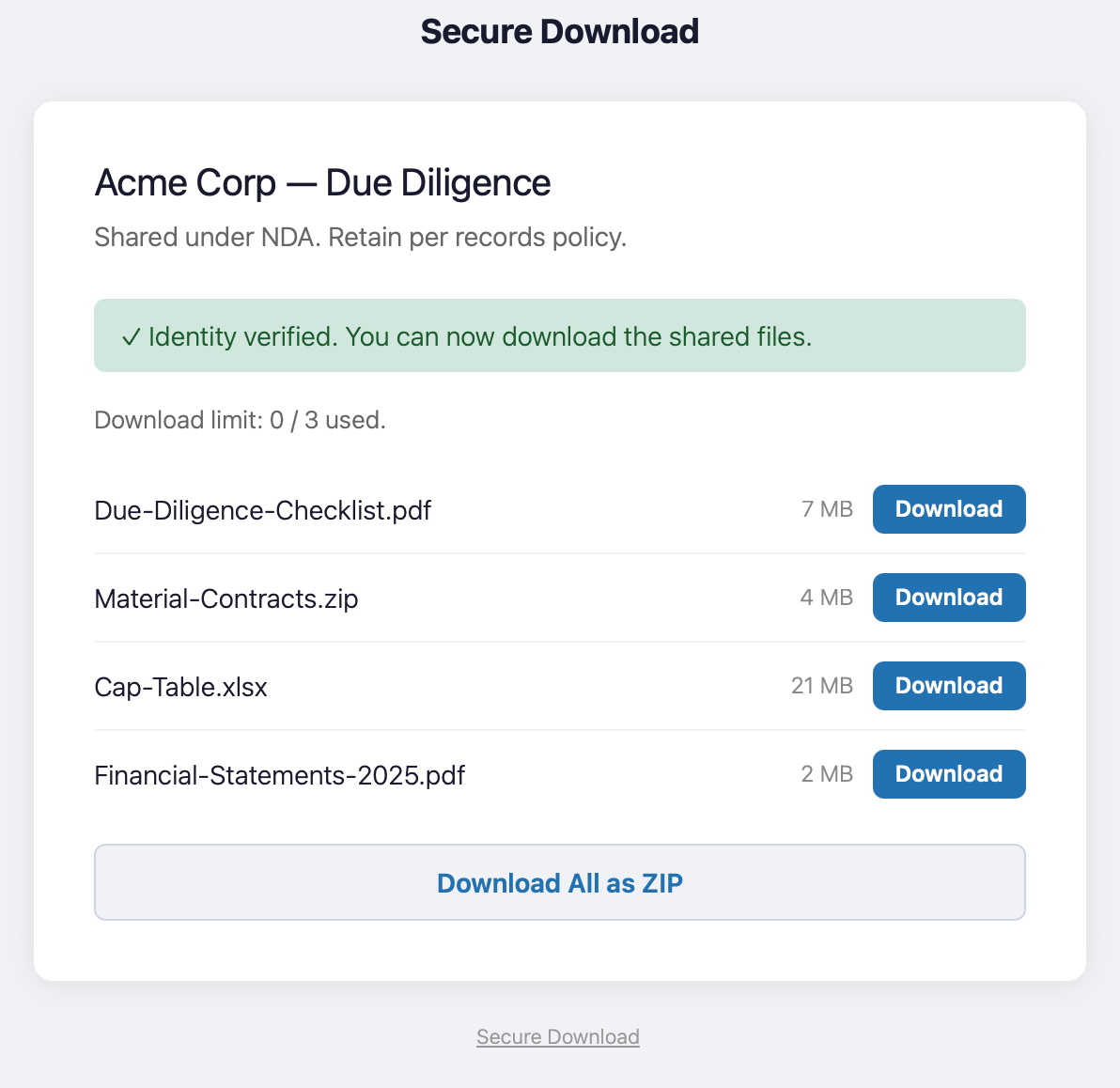
- Two-factor external sharing — recipients receive an invite link, confirm their email, then verify a time-limited one-time code before downloading.
- Multi-file and chunked upload — files split client-side and reassembled server-side, bypassing PHP
upload_max_filesizelimits. - ZIP bulk download — recipients can download all vault files as a single archive (requires PHP
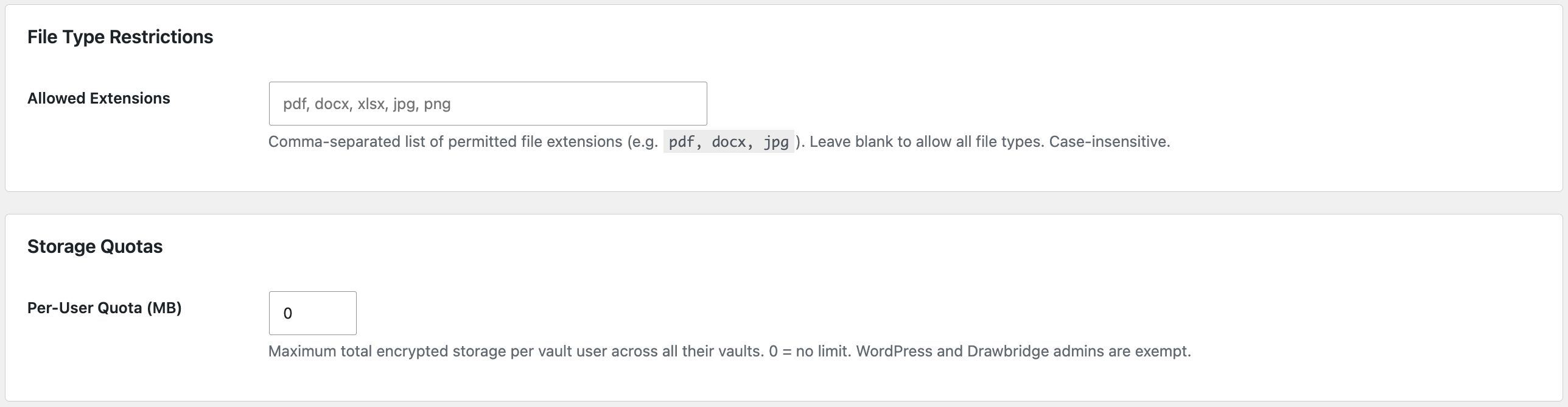
ZipArchive). - File type restrictions and per-user storage quotas — enforced server-side at upload time.
- Role-based access — two tiers of non-admin access: Drawbridge Admin (full panel) and Vault User (My Vaults only).
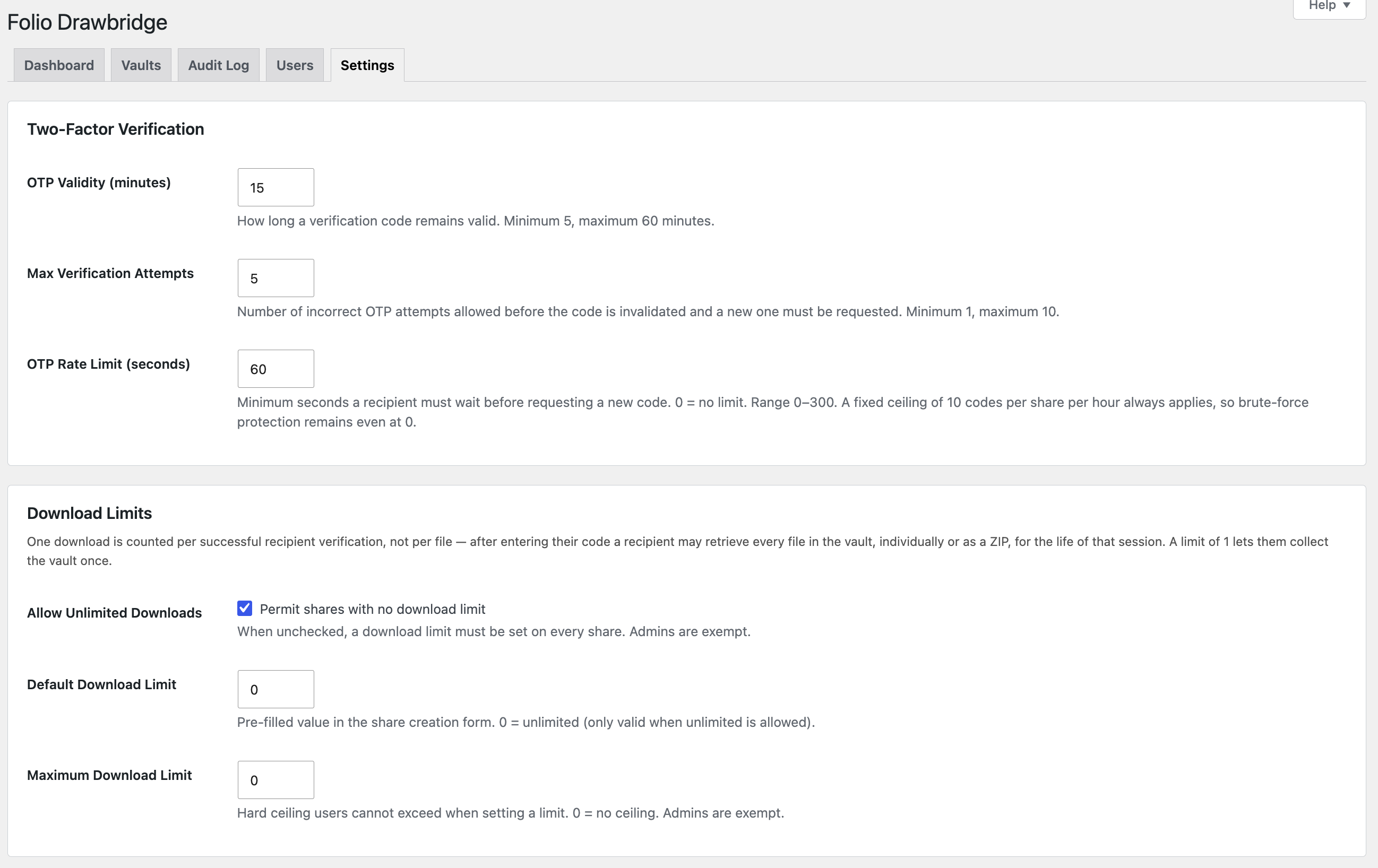
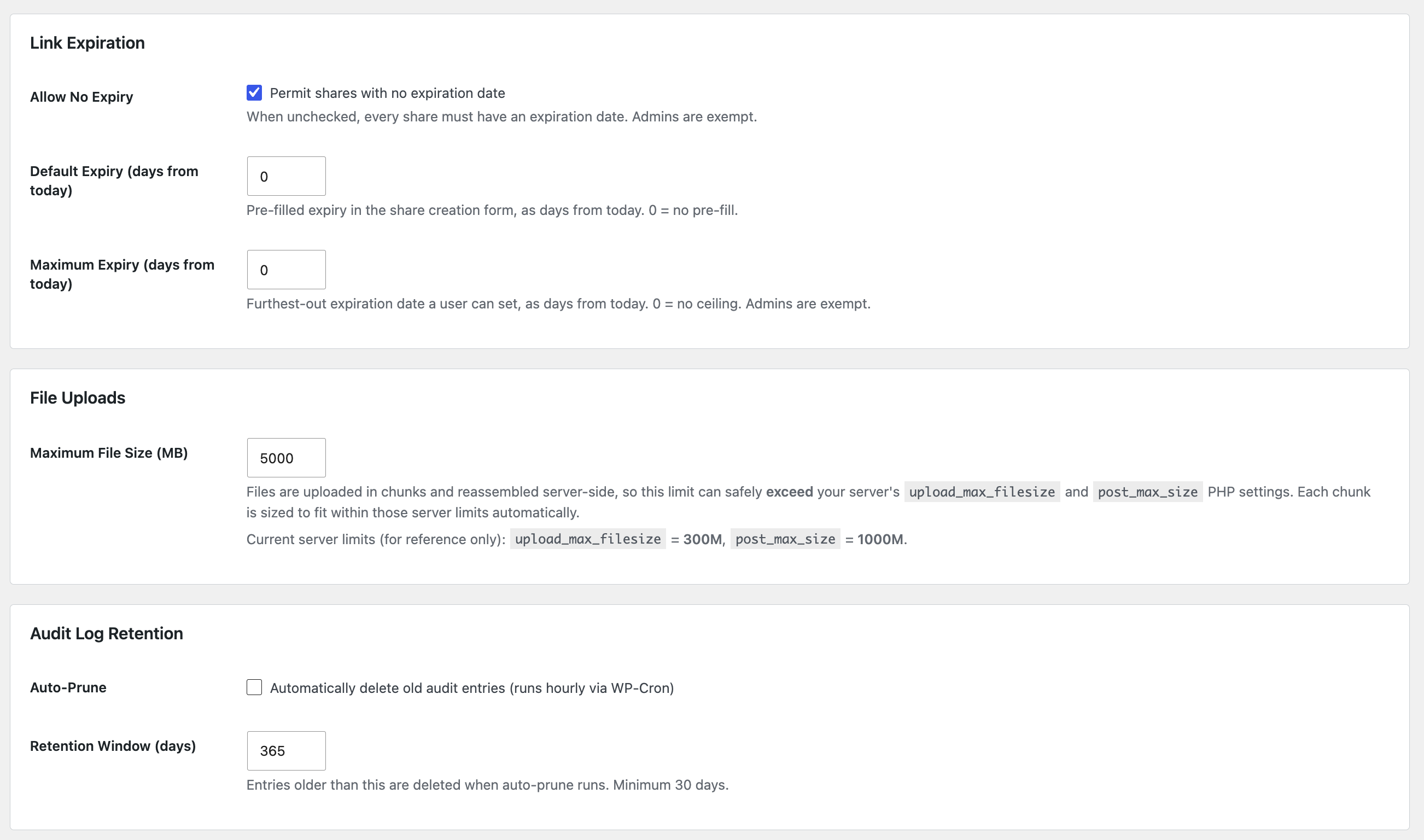
- Global share limits — default and maximum download counts and link expiration windows, retroactively enforceable.
- OTP rate limiting — configurable cooldown between one-time-code requests.
- Lifecycle management — hourly WP-Cron expires vaults and shares, sends expiry warnings, prunes stale OTPs, and cleans orphaned upload chunks.
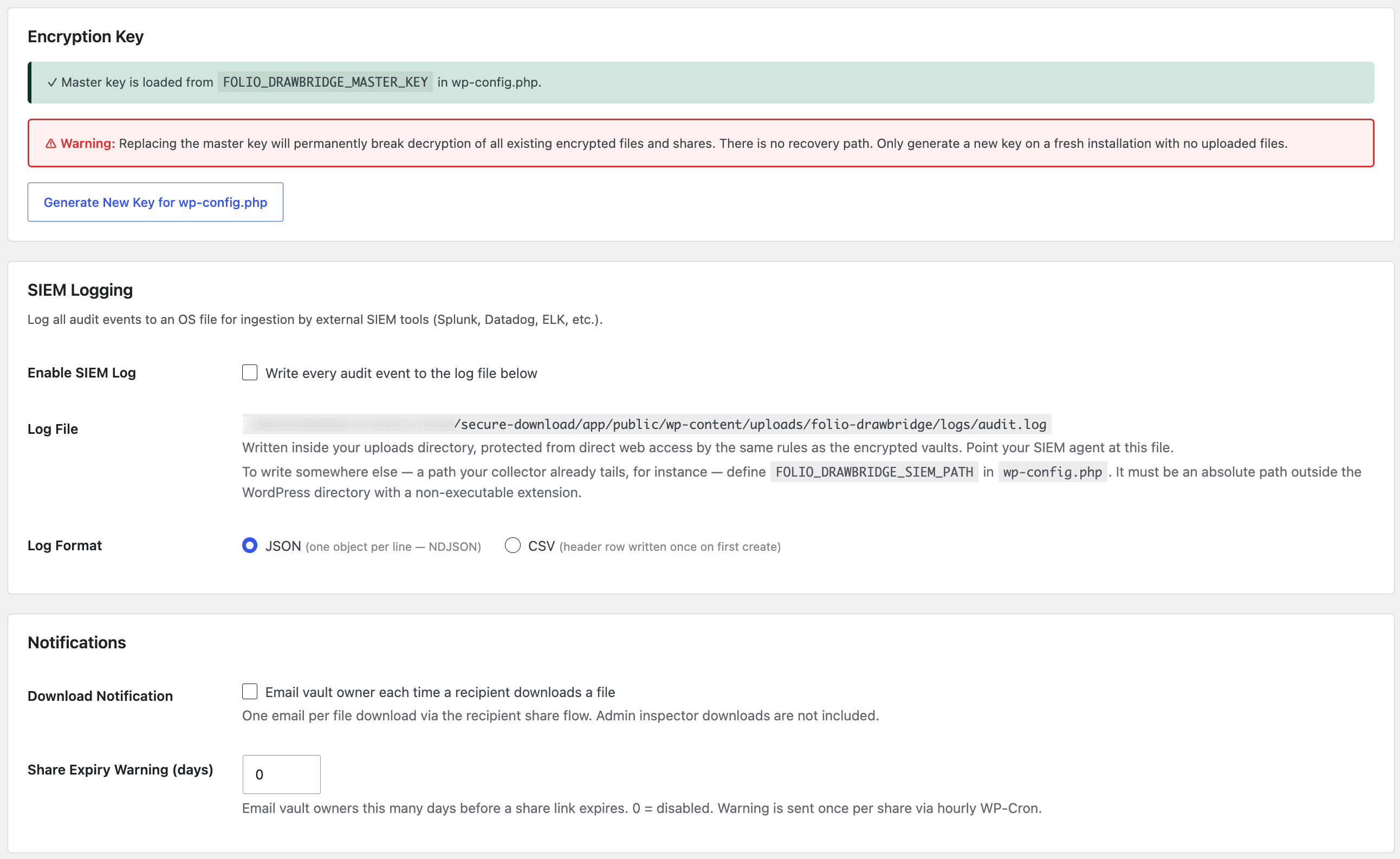
- Download notifications and expiry warnings — vault owners are emailed on recipient downloads and before share links expire.
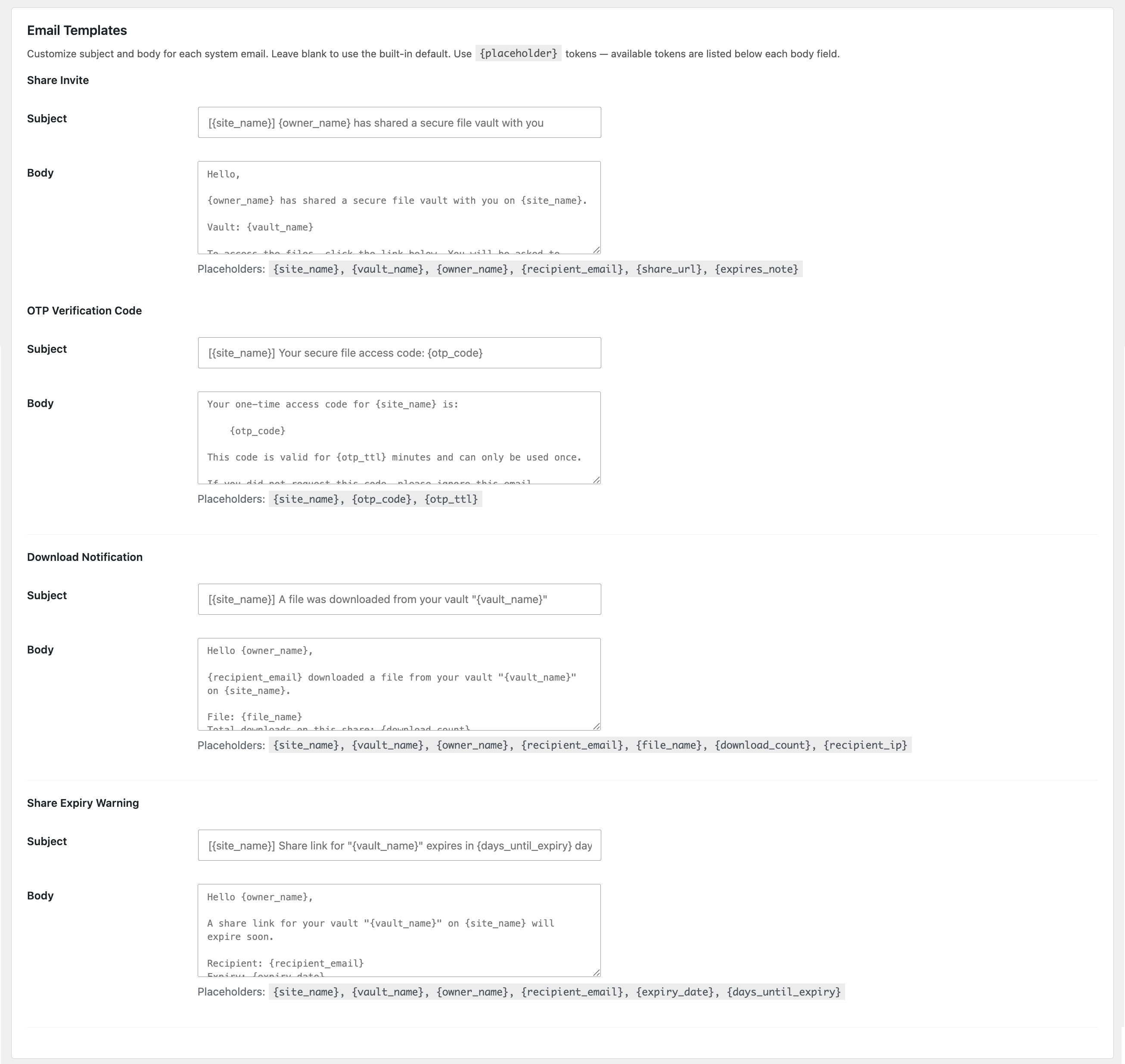
- Customisable email templates — subject and body for all four system emails with
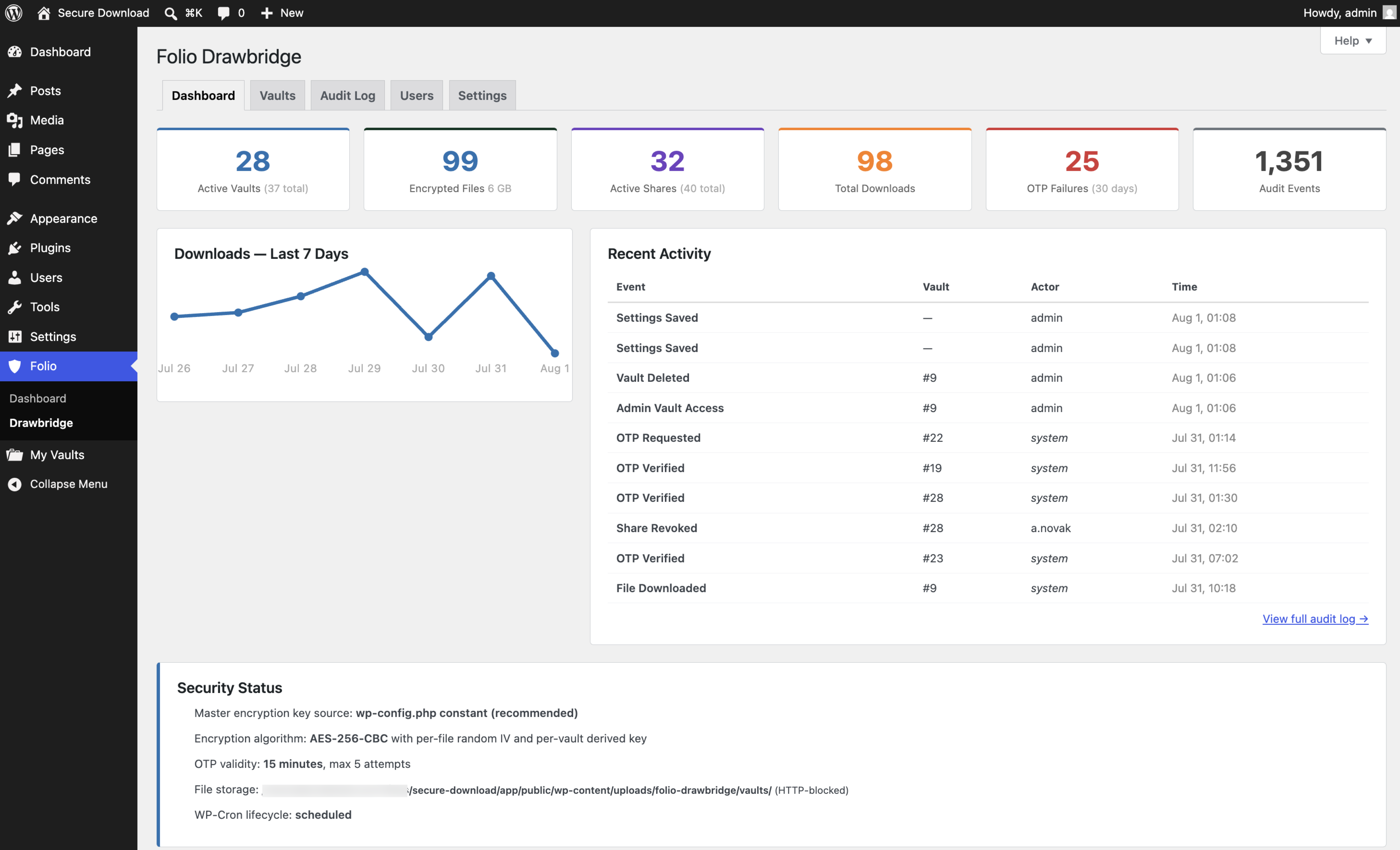
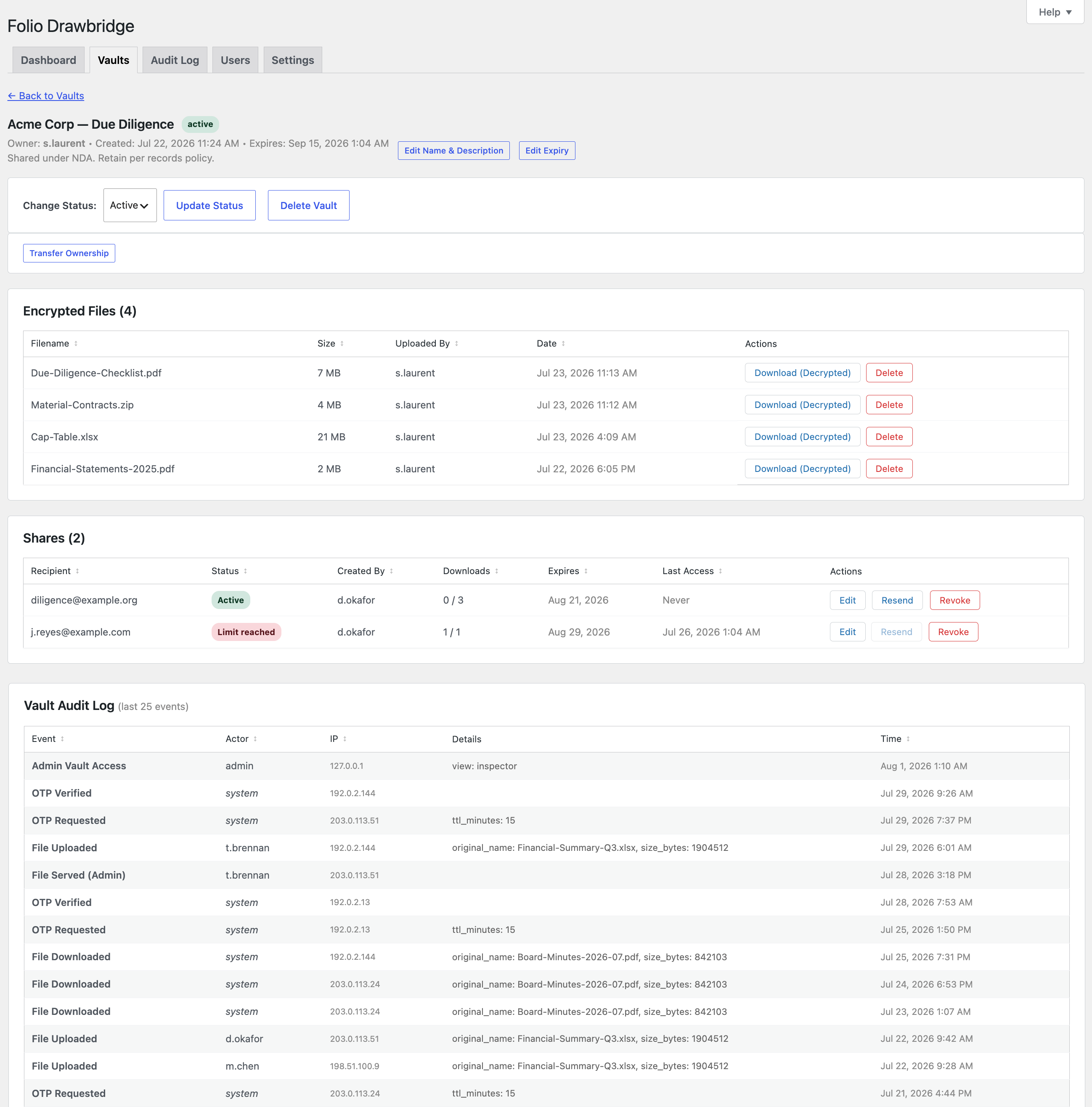
{placeholder}tokens. - Immutable audit log — every event logged with actor, IP, and timestamp. Filterable, sortable, exportable to CSV.
- SIEM logging — append every audit event to a log file in JSON (NDJSON) or CSV for Splunk, Datadog, ELK, and similar tools. Written inside your uploads directory and protected from direct web access; redirectable with a
wp-config.phpconstant. - Vault inspector — administrators can browse every vault, download files, edit metadata, transfer ownership, and revoke shares. All actions audited.
Part of the Folio suite
Folio Drawbridge shares a single “Folio” admin menu with the other Folio access and data-protection plugins when more than one is installed.
Capturas de tela
Instalação
- Upload the
folio-drawbridgedirectory to/wp-content/plugins/. - Activate Folio Drawbridge through the Plugins screen.
- Complete the setup checklist under Folio Drawbridge Dashboard Security Status — generate a master encryption key (recommended: store it in
wp-config.php), confirm storage is writable, and verify the lifecycle cron is scheduled. - Grant users vault access from the Users tab (only WordPress administrators have access by default).
Requires the PHP openssl and mbstring extensions. The optional zip extension enables ZIP bulk download.
Perguntas frequentes
-
Where are uploaded files stored?
-
Encrypted files are written to
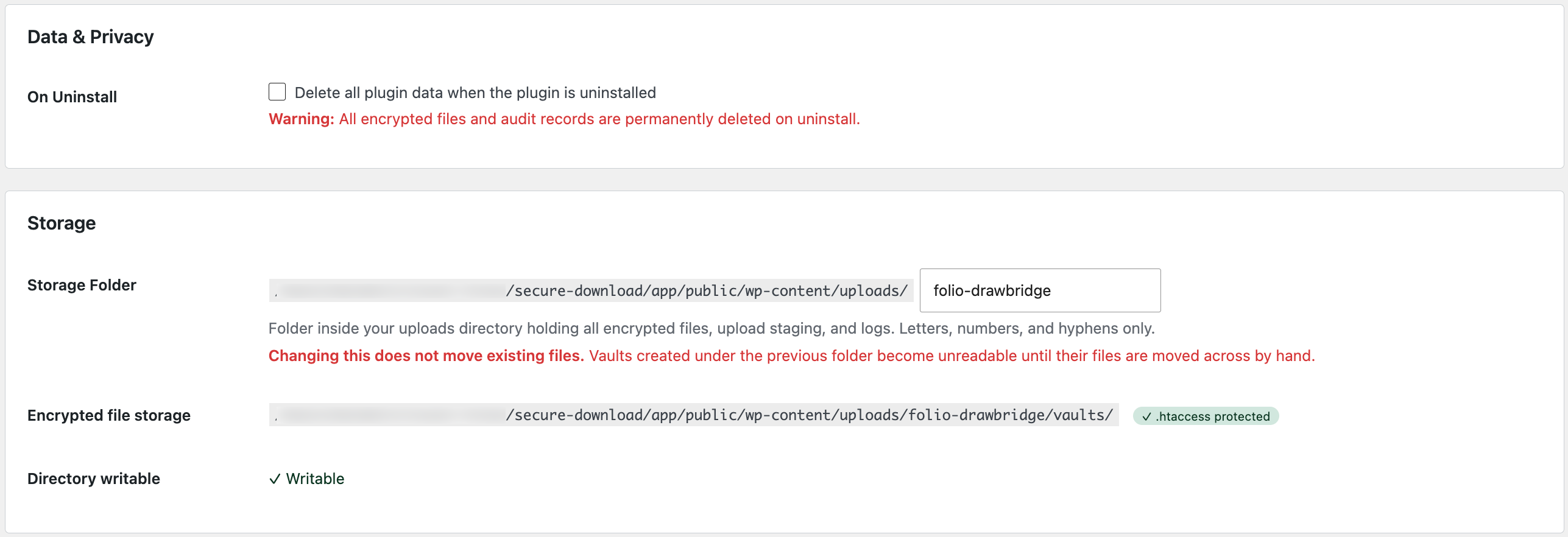
wp-content/uploads/folio-drawbridge/vaults/, protected by an.htaccessdeny-all rule. Files are never served directly — every download is decrypted and streamed through PHP after authorization. -
What happens if I lose the master encryption key?
-
Encrypted files cannot be recovered without the master key. If you define
FOLIO_DRAWBRIDGE_MASTER_KEYinwp-config.php, back it up securely. Replacing the key permanently breaks decryption of existing files. -
No. Recipients verify their identity with their email address and a one-time code — no account or login required.
-
Where does the plugin write files?
-
Everything lives in one folder inside your uploads directory, named
folio-drawbridge
by default and changeable under Settings Storage:vaults/— encrypted fileschunks/— temporary upload staginglogs/— SIEM export, when enabled
Each is protected from direct web access. The plugin writes nowhere else.
-
Yes. Each share can have a download limit and an expiry date, and site-wide defaults and maximums can be configured under Settings. One download means one verified access: the recipient may retrieve every file in the vault during that session, so a limit of 1 lets them collect it once.
Avaliações
Não há avaliações para este plugin.
Colaboradores e desenvolvedores
“Folio Drawbridge” é um programa de código aberto. As seguintes pessoas contribuíram para este plugin.
Colaboradores
Traduzir o “Folio Drawbridge” para seu idioma.
Interessado no desenvolvimento?
Navegue pelo código, consulte o repositório SVN ou assine o registro de desenvolvimento por RSS.
Registro de alterações
1.2.0
- Multi-file upload with per-file progress.
- ZIP bulk download for recipients.
- Download notification emails to vault owners.
- Share expiry warning emails with configurable lead time.
- Customisable email templates with placeholder tokens.
- File type restriction allowlist.
- Per-user storage quotas.
- OTP request rate limiting (cooldown).
- Vault ownership transfer from the vault inspector.
- Database version tracking with automatic idempotent schema migration.
1.1.1
- Resend share invite button on pending and active shares.
1.1.0
- Sortable columns on all tables (server-side on paginated lists, client-side elsewhere).
- WordPress dashboard widgets for admins and vault users.
- Contextual “apply to existing shares” enforcement prompts in Settings.
- Expanded contextual help on every screen.
- Security: SIEM log path validation (absolute, no traversal).
- Security: Clipboard API for key copy with fallback.
- New documentation set under docs/.
1.0.2
- Drawbridge Admin capability for non-administrator panel access.
- Users tab redesign with search and contextual actions.
- All timestamps display in the site’s configured timezone.
- SIEM logging to OS file (NDJSON or CSV).
- Inline vault expiry and share editing for admins.
1.0.1
- Streaming encryption/decryption in 1 MB chunks for large files.
- Chunked uploads bypassing PHP size limits.
- Download limits and link expiration settings.
- Inline share and vault expiry editing.
- Configurable OTP attempt limit.
- Server-side encryption key generator.
1.0.0
- Initial release: encrypted vaults, two-factor sharing, immutable audit log, vault inspector, lifecycle cron.