
Descrição
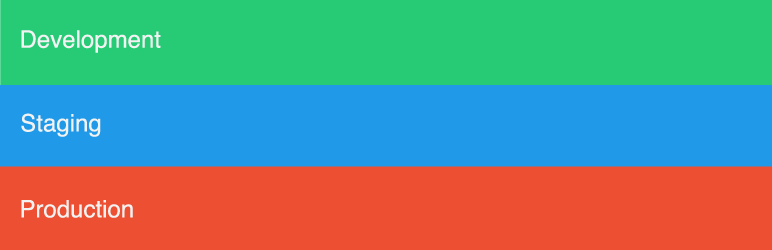
Env Bar is a great way to keep track of your server environment. On the Env Bar Settings page you can select Development, Staging, or Production to then output a colored bar in the bottom of your site.
Credits
Icon: Created by Aneeque Ahmed from the Noun Project
Capturas de tela


Instalação
- Upload the plugin files to the
/wp-content/plugins/env-bardirectory, or install the plugin through the WordPress plugins screen directly. - Activate the plugin through the ‘Plugins’ screen in WordPress
- Use the Environment screen to configure the plugin
Perguntas frequentes
- Can you use this plugin with Multisite?
-
Yes, this will add the bar globally and you can access the options page within the Network.
- Can you use this plugin as a mu-plugin?
-
Yes, just upload the env-bar.php to your /wp-content/mu-plugins/ directory.
Avaliações

26 dezembro, 2018
This plugin adds a great visual indication on what setup you are on. I have my live setup and dev setup. I can half look at the bottom of the page and know what environment I in. If I see green, I am free to do whatever I want without having to worry about breaking anything. Orange, and I need to switch tabs!
Colaboradores e desenvolvedores
“Env Bar” é um programa de código aberto. As seguintes pessoas contribuíram para este plugin.
Colaboradores
Traduzir o “Env Bar” para seu idioma.
Interessado no desenvolvimento?
Navegue pelo código, consulte o repositório SVN ou assine o registro de desenvolvimento por RSS.
Registro de alterações
0.3.0
- tested with 5.0 release
0.2.1
- removing dev files from trunk and using git for development
0.2.0
- Fixed issues related to WordPress Coding Standards
0.1.0
- Initial commit