

Descrição
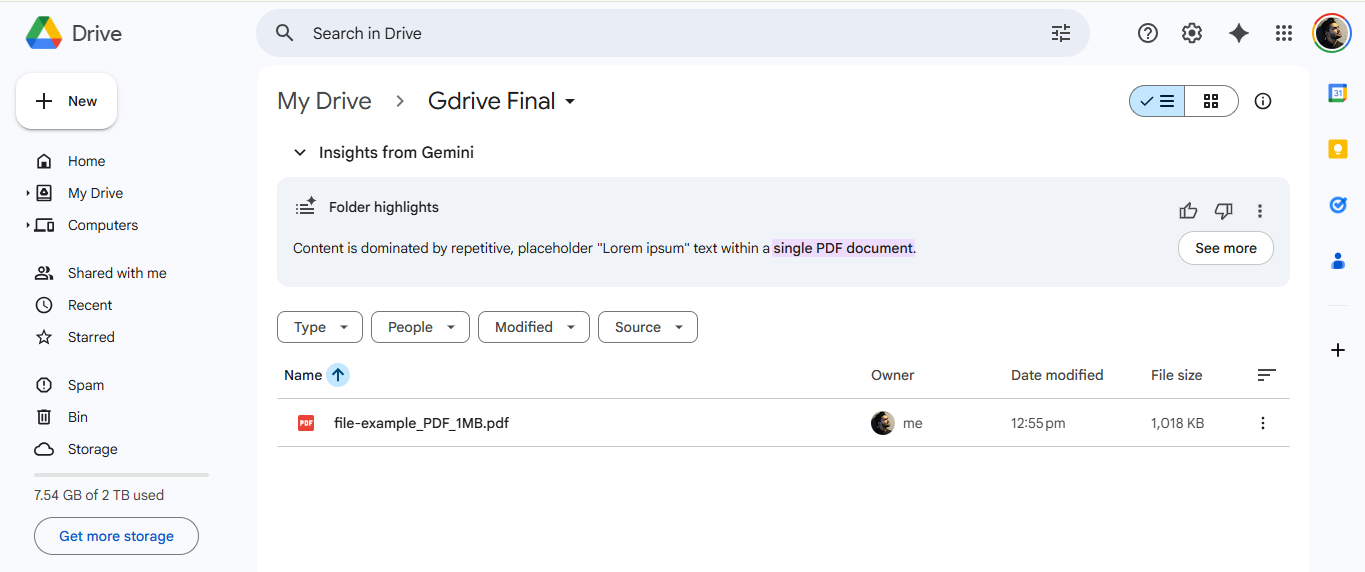
Automatically upload files directly to your Google Drive when users submit forms.
Features:
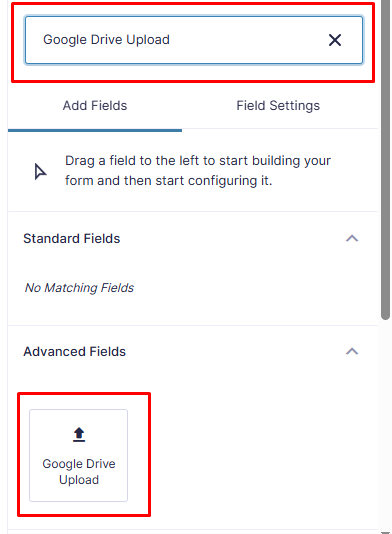
– Direct file uploads to Google Drive
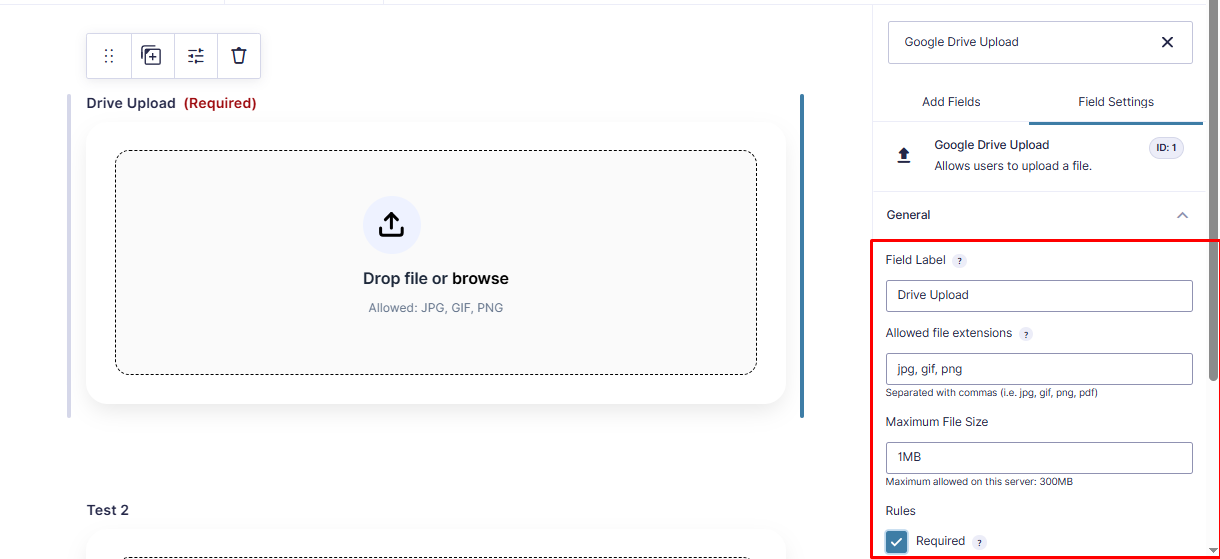
– Support for multiple file types
– Easy Google authentication
Video Tutorial
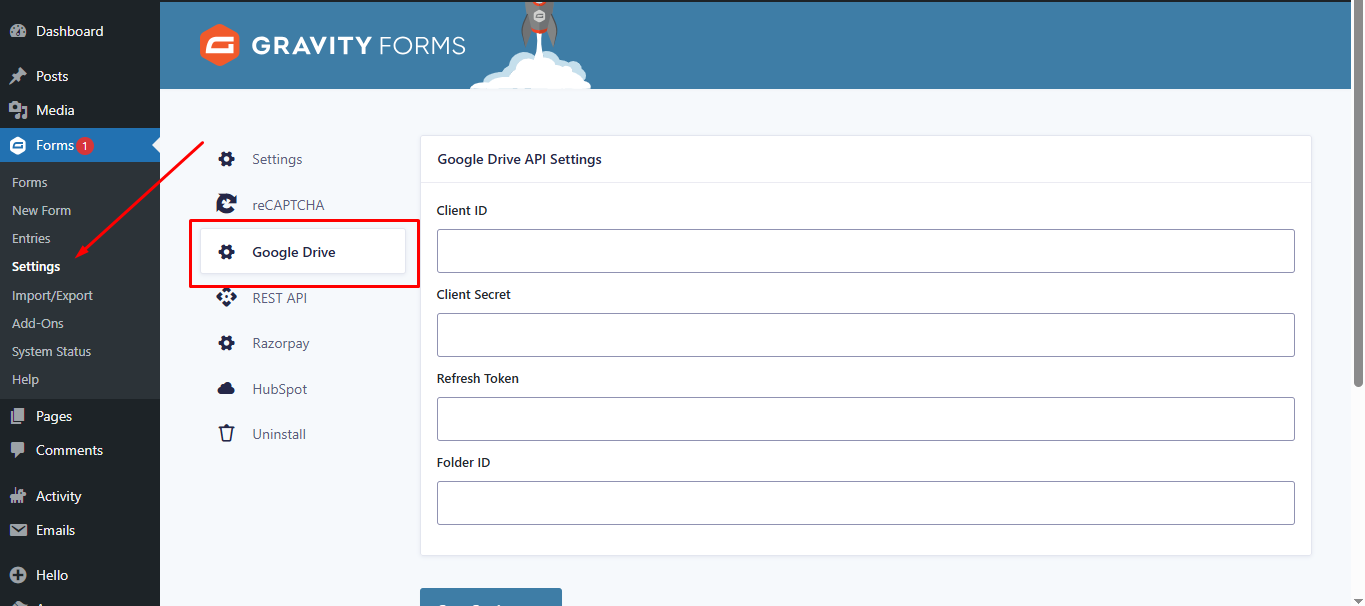
Watch this step-by-step guide to setting up the plugin, including how to get your Google API Client ID, Secret, and Refresh Token.
Configuration
- Connect your Google Drive account
- Select destination folder
- Map form fields to Drive metadata
- Save and test with a form submission
Support
For support, visit the plugin documentation or contact support.
License
This plugin is licensed under the GPL v2 or later.
Capturas de tela
Instalação
- Upload the plugin folder to
/wp-content/plugins/ - Activate the plugin through the WordPress admin panel
- Go to Forms > Settings > Drive Upload
- Authenticate with your Google account
- Configure your upload settings
Avaliações


Colaboradores e desenvolvedores
“Drive Upload for Gravity Forms (Google Drive)” é um programa de código aberto. As seguintes pessoas contribuíram para este plugin.
Colaboradores
Drive Upload for Gravity Forms (Google Drive)” foi traduzido para 2 localidades. Agradecemos aos tradutores por suas contribuições.
Traduzir o “Drive Upload for Gravity Forms (Google Drive)” para seu idioma.
Interessado no desenvolvimento?
Navegue pelo código, consulte o repositório SVN ou assine o registro de desenvolvimento por RSS.
Registro de alterações
2.1
- Fixed: Fatal error “Class GFAddOn not found” by ensuring Gravity Forms is fully loaded before initialization.
- Fixed: Resolved text domain mismatch issues.
- Updated: Renamed all classes and functions to use the unique
DUGF_prefix. - Updated: Added
composer.jsonfor dependency management.
1.0.0
- Initial release