

Descrição
Classic Menus for Block Themes restores the legacy menu management system, allowing you to create and manage multiple menus alongside block-based WordPress themes. This plugin re-establishes the “Appearance > Menus” page and integrates classic menus with the Site Editor.
Features:
– Manage multiple classic menus alongside block-based navigation.
– Easily switch between block-based and classic menu systems.
– Use custom menu IDs or names for flexibility in displaying menus across the site.
License
This plugin is licensed under the GPLv2 or later. For more information, see GPL License.
Author
Developed by Pixelvise: https://pixelvise.com
Capturas de tela
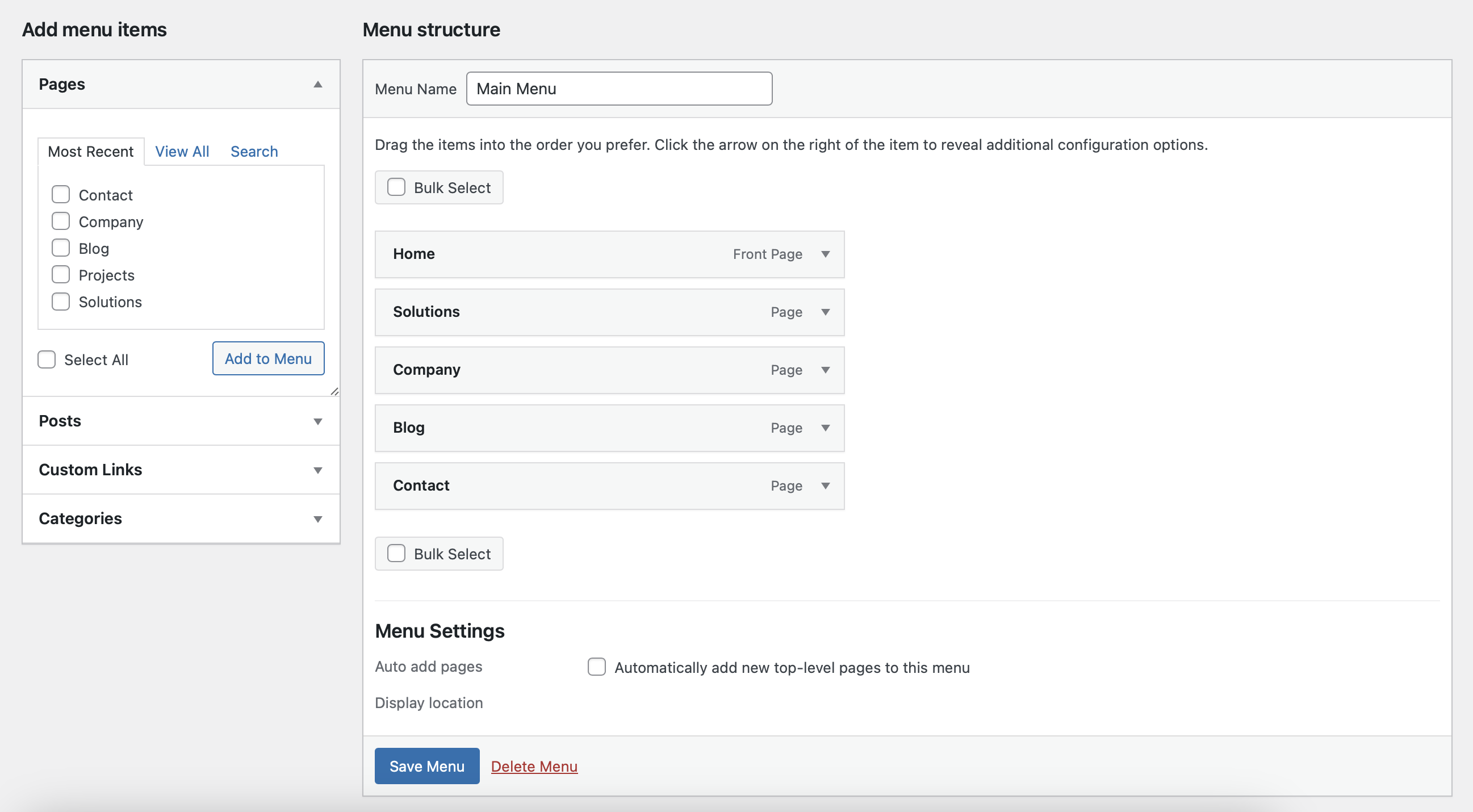
Classic menu management system alongside block themes.
Instalação
- Upload the plugin files to the
/wp-content/plugins/classic-menus-for-block-themesdirectory, or install the plugin through the WordPress plugins screen directly. - Activate the plugin through the ‘Plugins’ screen in WordPress.
- Navigate to Appearance > Menus to create and manage your menus.
Perguntas frequentes
-
No, this plugin works alongside block-based menus, so you can use both systems.
-
Yes, you can create multiple menus through the “Appearance > Menus” screen and use them anywhere in your block theme.
Avaliações

Colaboradores e desenvolvedores
“Classic Menus for Block Themes” é um programa de código aberto. As seguintes pessoas contribuíram para este plugin.
Colaboradores
Classic Menus for Block Themes” foi traduzido para 1 localidade. Agradecemos aos tradutores por suas contribuições.
Traduzir o “Classic Menus for Block Themes” para seu idioma.
Interessado no desenvolvimento?
Navegue pelo código, consulte o repositório SVN ou assine o registro de desenvolvimento por RSS.
Registro de alterações
1.1
- Added support for multiple menus by name or ID.
- Improved compatibility with block themes.
1.0
- Initial release.