

Descrição
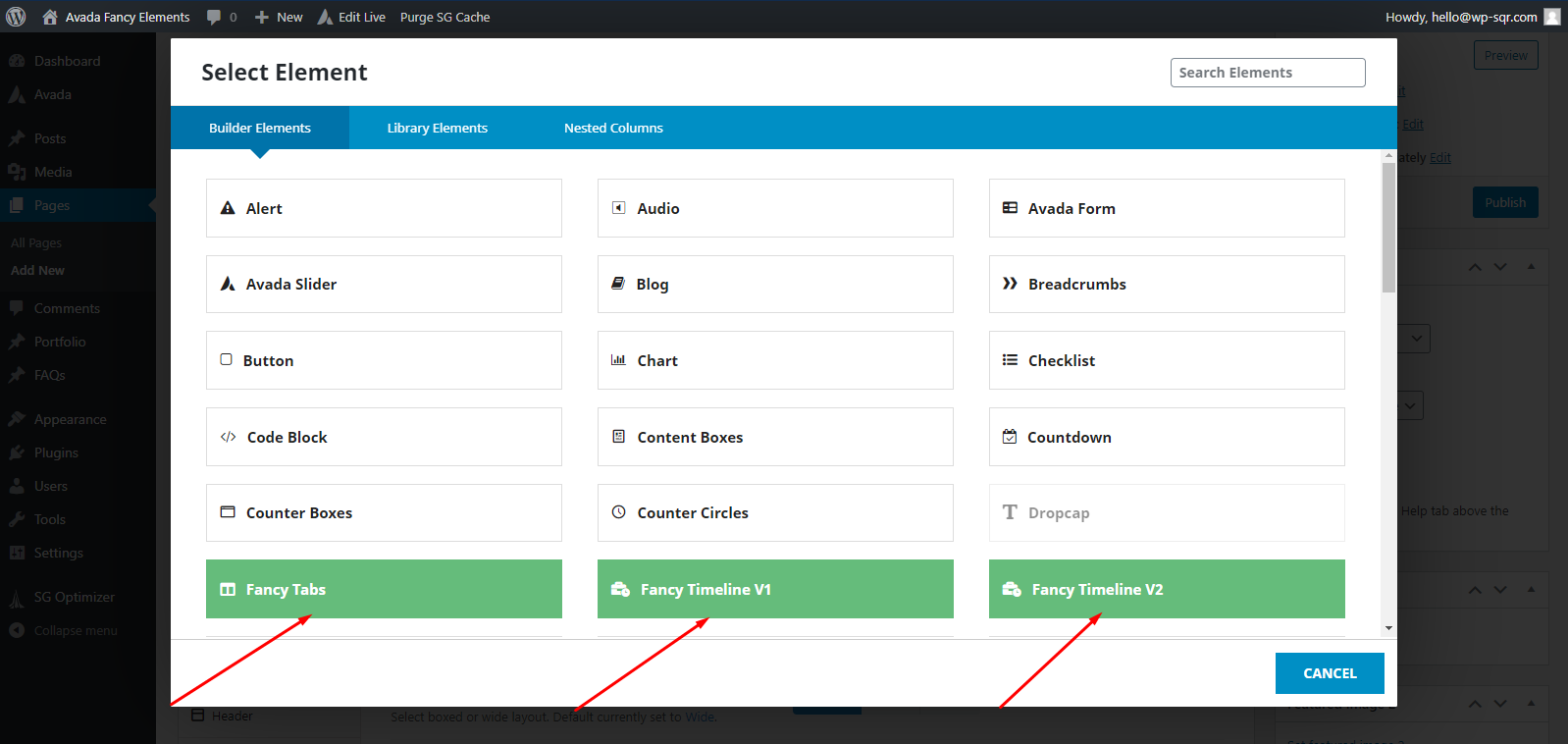
Fancy Elements for Avada is an Avada theme add-on that adds some very cool elements to your Avada builder elements list.
Available elements are:
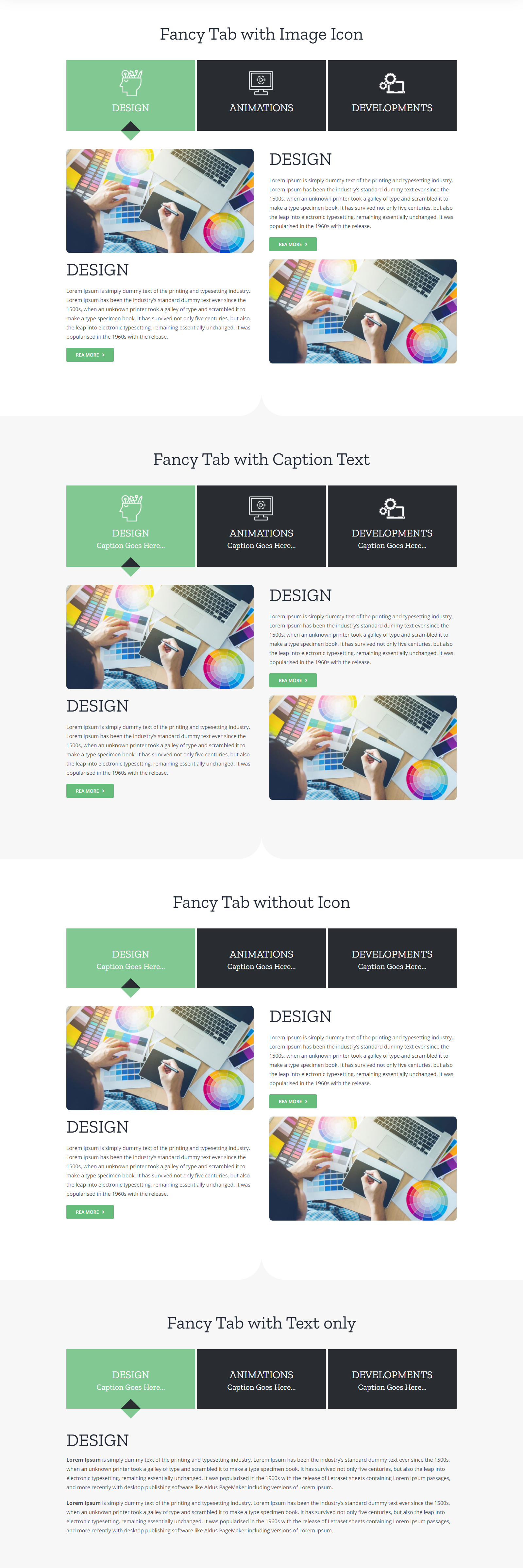
1. Tabs
2. Classic Timeline
3. Modern Timeline
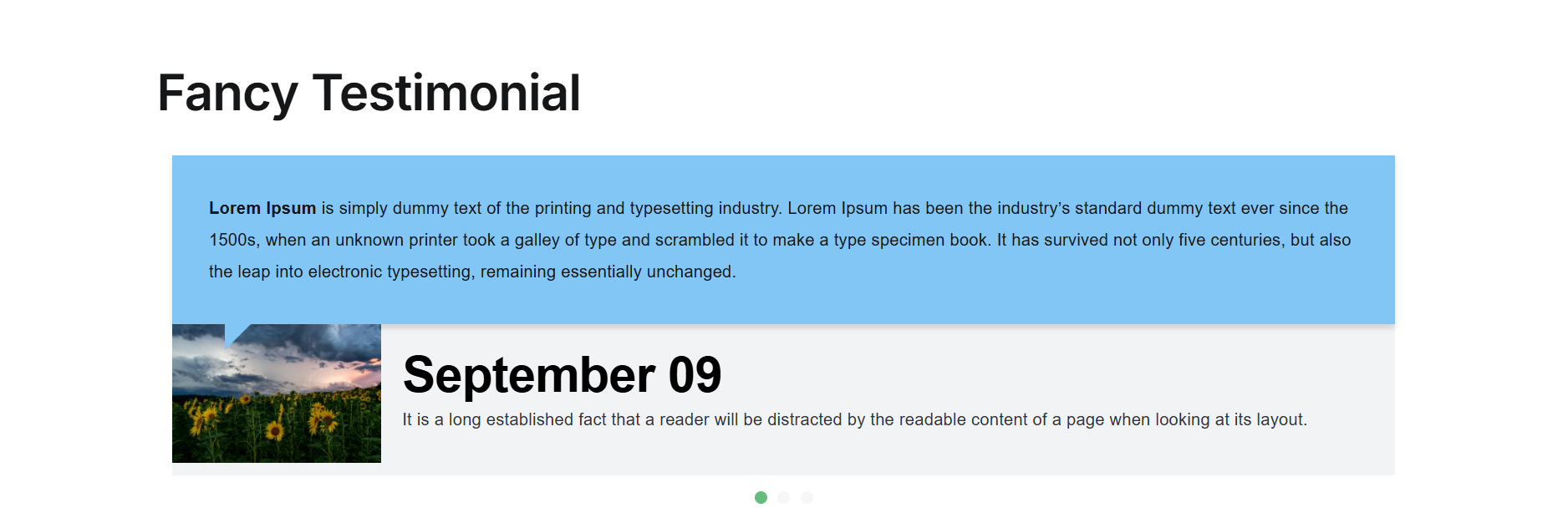
4. Testimonial
5. Blockquote
A Fancy Elements screen in the WordPress admin lists every element the plugin provides and lets you hide any element you do not use from the Avada Builder element list.
This plugin does not collect any data about you or your site. It makes one external request to show premium news, described under External services below.
External services
To show news about the premium version and occasional product notices on its own admin screen, the plugin reads a static JSON file from our server:
https://www.wpsqr.com/api/fancy-elements-avada/feed.json
What is sent: nothing about your site. The request is a plain GET over HTTPS with an empty query string. No site address, no email address, no user information, no WordPress or plugin version. The default WordPress user agent, which contains your site address, is deliberately replaced with a fixed string that identifies only the plugin.
What comes back: whether the premium version is available and its link, plus any current product notices to show on the plugin’s own screen. Nothing else is read from the response. Everything received is treated as untrusted: links are restricted to HTTPS and all text is sanitized before it is ever shown.
When it happens: only in the WordPress admin, and only while the plugin’s own Fancy Elements screen is being viewed. Never on the front end of your site, and never for your visitors. The result is cached for 12 hours, so the file is read at most twice a day.
If the request fails: the plugin silently falls back to the text bundled with it. Nothing is logged, and nothing is retried for an hour.
To switch it off completely, add this to wp-config.php:
define( ‘FEA_DISABLE_REMOTE’, true );
Service provided by WP Square: https://www.wpsqr.com/
Privacy policy: https://www.wpsqr.com/privacy-policy/
Compatibility
- This plugin has been Tested for IE9, IE10, Firefox, Google Chrome, Opera and Safari.
- You can easily add any three elements to your Avada website by using Drag & Drop.
FEEDBACK, QUESTIONS, HELP, BUG REPORTING, AND SUGGESTIONS
Just post an email to: hello@wp-sqr.com / Email Subject: Fancy Elements for Avada
Capturas de tela




Instalação
- Download the .zip file
- Upload or extract the contents of fancy-elements-avada.zip to your wp-content/plugins/folder
- Activate the fancy-elements-avada plugin in your WP-admin / Plugins
Perguntas frequentes
-
Will this plugin work for any WordPress theme?
-
Currently, It works only with Avada theme.
Avaliações


Colaboradores e desenvolvedores
“Fancy Elements for Avada” é um programa de código aberto. As seguintes pessoas contribuíram para este plugin.
Colaboradores

Traduzir o “Fancy Elements for Avada” para seu idioma.
Interessado no desenvolvimento?
Navegue pelo código, consulte o repositório SVN ou assine o registro de desenvolvimento por RSS.
Registro de alterações
1.3
- Added a new Fancy Blockquote element with author, citation, image, a quote icon, three skins (Border, Boxed, Clean) and a Click to Tweet button.
- Added a new Fancy Elements dashboard page in the WordPress admin, with tabs for your elements, settings, getting started and what’s new.
- Added options to enable or disable each element in the Avada Builder, so you can keep your element list tidy.
- Added dashboard settings for product news, removing plugin data on uninstall, and resetting everything back to defaults.
- Fixed all the security issues by escaping output and sanitizing every colour and value before it is used.
- Fixed the Tabs caption option so it no longer outputs an invalid tag.
- Improved accessibility with full keyboard support, ARIA roles and screen-reader labels across the elements.
1.2
- Replaced Owl Carousel with a custom slider.
- Added background image/colour support for tab content.
1.1
- New Fancy Testimonial element added
1.0.0
- Initial Release