

Descrição
Vijay’s SMTP Connector for Zoho Mail replaces WordPress’s default PHP mail() function with a proper SMTP connection to Zoho Mail, so outgoing mail from your site is authenticated and delivered reliably.
This plugin is an independent, third-party tool built to work with Zoho Mail. It is not developed, endorsed, or affiliated with Zoho Corporation. “Zoho” is a trademark of Zoho Corporation Pvt. Ltd.
Features
- ⚙️ SMTP setup with SSL/TLS support (ports 465 & 587)
- 📥 Complete IMAP & POP3 reference (all regions)
- 🌐 MX record details for domain verification
- 🛡️ SPF, DKIM & DMARC record reference
- 🧪 One-click test email with live feedback
- 🔐 Secure App Password storage
- 🌍 Regional server guide (US, EU, India, Australia)
SMTP Settings
- Host: smtp.zoho.com
- Port: 465 (SSL) or 587 (TLS/STARTTLS)
- Authentication: Required
- Username: your full Zoho email address
- Password: your Zoho App Password
MX Records
Add these to your domain DNS:
- Priority 10 mx.zoho.com
- Priority 20 mx2.zoho.com
- Priority 50 mx3.zoho.com
SPF Record
Add a TXT record: v=spf1 include:zoho.com ~all
Capturas de tela
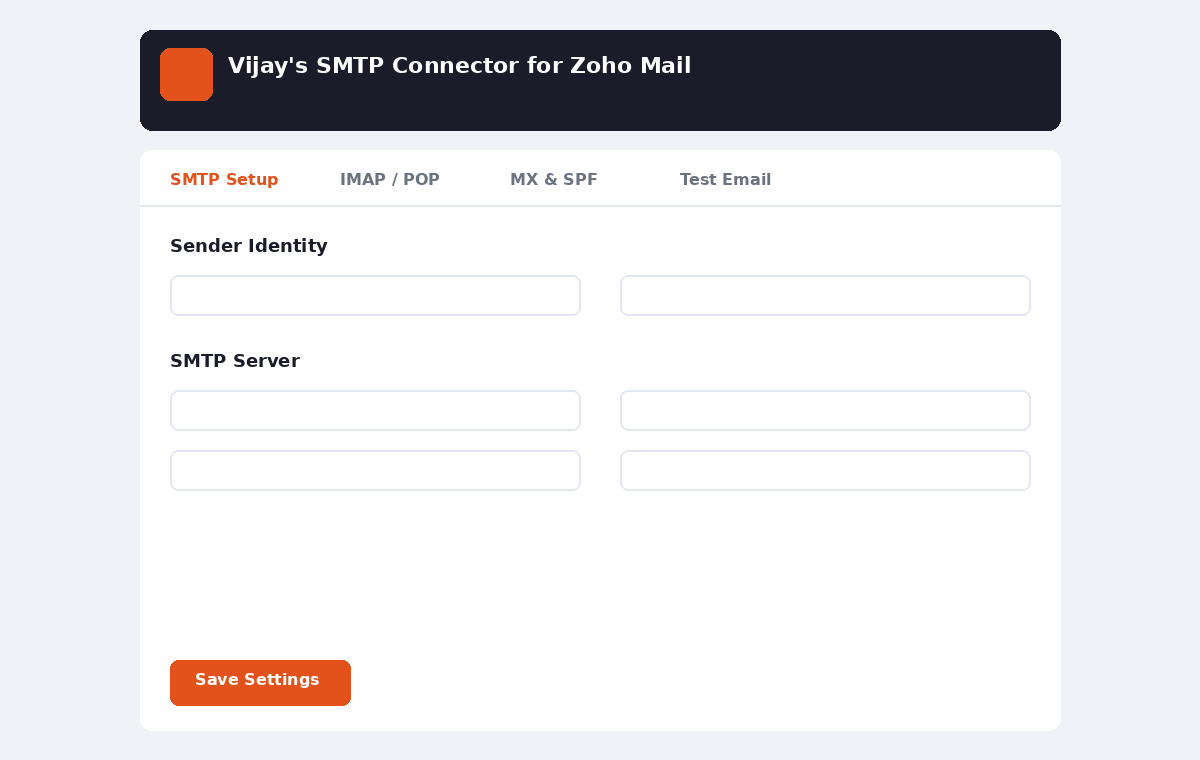
Instalação
- Upload the
vijays-smtp-connector-for-zoho-mailfolder to/wp-content/plugins/ - Activate the plugin in Plugins Installed Plugins
- Go to Settings SMTP Connector for Zoho
- Enter your Zoho credentials and save
- Use the Test Email tab to verify delivery
Perguntas frequentes
-
Is this plugin made by Zoho?
-
No. It is an independent plugin and is not affiliated with Zoho Corporation.
-
Which password should I use?
-
Generate an App Password in Zoho Mail (Settings Security App Passwords) and use that instead of your login password.
Avaliações
Não há avaliações para este plugin.
Colaboradores e desenvolvedores
“Vijay’s SMTP Connector for Zoho Mail” é um programa de código aberto. As seguintes pessoas contribuíram para este plugin.
Colaboradores
Traduzir o “Vijay’s SMTP Connector for Zoho Mail” para seu idioma.
Interessado no desenvolvimento?
Navegue pelo código, consulte o repositório SVN ou assine o registro de desenvolvimento por RSS.
Registro de alterações
1.0.0
- Initial release